
Ways to Pay for Your Purchase
Western Marketplace
We are greatly expanding the Western Marketplace to provide you with a wider variety of available products for purchase. The Western Marketplace is the online system used to order goods and services. Orders are placed through the Marketplace, sending purchase orders directly to the vendor.
Catalog Orders
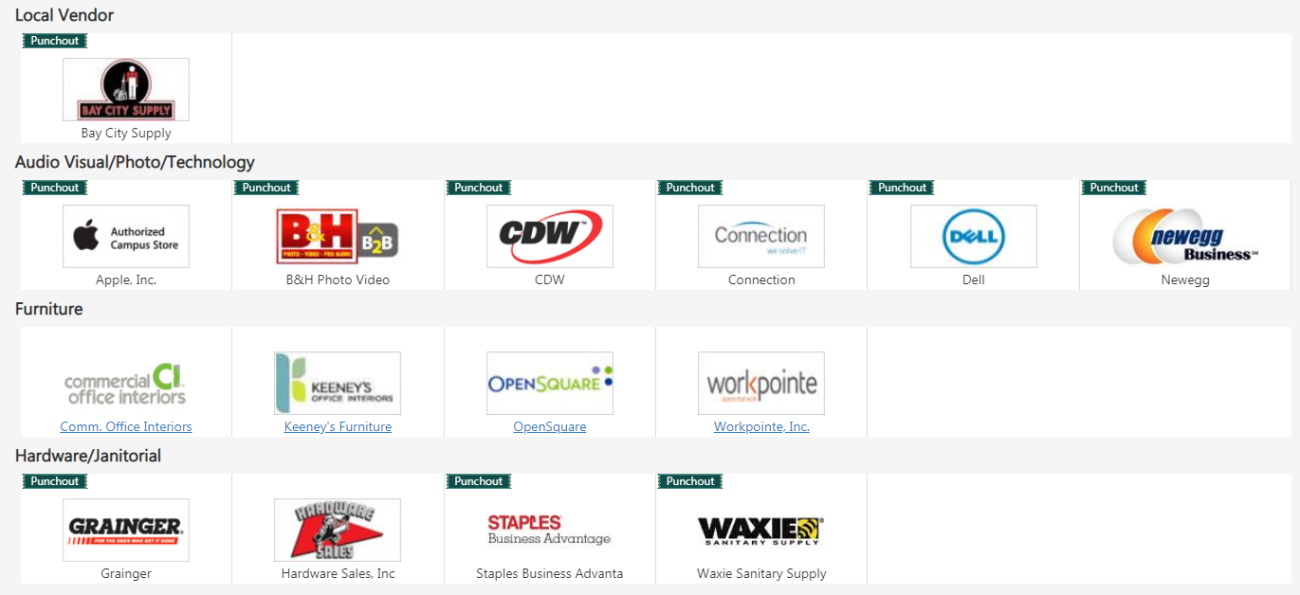
Procurement has provided, through the Western Marketplace and its E-procurement application, online catalogs that can be used to purchase the majority of goods used by campus departments and organizations. Items found on the Marketplace have negotiated discounted prices and accelerated delivery schedules. Vendors such as Dell, Apple, Office Depot, and Keeney’s can be purchased through this avenue.
Non-Catalog Orders
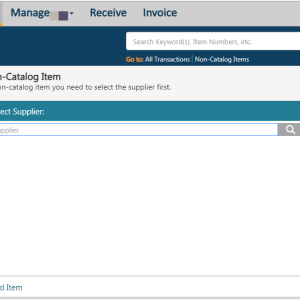
If a particular item(s) is not available through a Marketplace catalog, a specific order can be made through non-catalog vendors. Similar to the Marketplace process, users will enter their information into the e-procurement application as an electronic requisition (also known as the “non-catalog” process). Procurement will process the electronic requisition and generate a Purchase Order. The Purchase Order would then be transmitted electronically to the vendor. If you need to purchase an item and do not have a known vendor or available source, please contact Procurement at 360-650-6341. We will work with you to source the item.
Non-Marketplace Payments
P Card
Pay Direct with a Card
Cards are the preferred method of payment for non Marketplace purchases.
One-Card (Purchasing Card)
The One-Card is a University issued credit card assigned to an individual employee to charge goods and services, including travel related purchases, using University funds. The card may be used only by the assigned cardholder who may make purchases for other employees in the department.
The University is responsible for payment of all One-Card transactions. Whereas the campus users are encouraged to use the Marketplace and the non-catalog process, the One-Card remains a valuable tool to purchase unique and difficult to find items. The One-card should not be used in lieu of the Marketplace if the item(s) are available through a catalog. Please contact Procurement with any questions on appropriate One-Card use.
Pay and Get Reimbursed
If you have already paid for your purchase out of personal funds, you can request a reimbursement via the Request a Services/Reimbursement Form.
Purchase Order
Purchase Orders (POs) include: Blanket, Open and Field Orders. The three types of Purchase Order each have their own specific purpose and role.
Field Orders are for one time payments. Typically for any good or service that will be billed only once throughout the order term. The Western Marketplace is a good option for this type of order, however some vendors do not have an eProcurement integration capability (e.g. Utilities companies), so a Field Order can be used.
Open Orders remain open for a set time period, often for a year and usually following the fiscal year period. These orders are designed to have multiple invoices billed against them throughout their term.
Blanket Orders are similar to Open Orders, except that they do not encumber funds upon creation. Instead, there is a cap placed on the order that the funds are not allowed to exceed.
With all of these orders, you ask Procurement to place the order, through our new Purchase Order Form: New and Renewals, this is the preferred method in this category.
After the Purchase Order is sent out, the vendor will send an invoices to be paid. In order for the invoice to be paid, a copy will need to go to Accounts Payable to be processed. But if you've already ordered it, and you have an invoice, you can process a Payment Request for Vendors and Non-Employee Stipends Form, instead of creating a Purchase Order.